




Choosing the right 3D printing technology for your needs is the first step in finding a 3D printing solution. How to choose between an FDM printer or a resin printer? This is what we aim to explore in this buying guide on how to choose your 3D printer.
When selecting your first 3D printer, it is important to understand the capabilities, advantages, and limitations of your equipment. Each technology has its own benefits in terms of visual appearance, mechanical strength, and print times which can vary depending on the chosen technology.
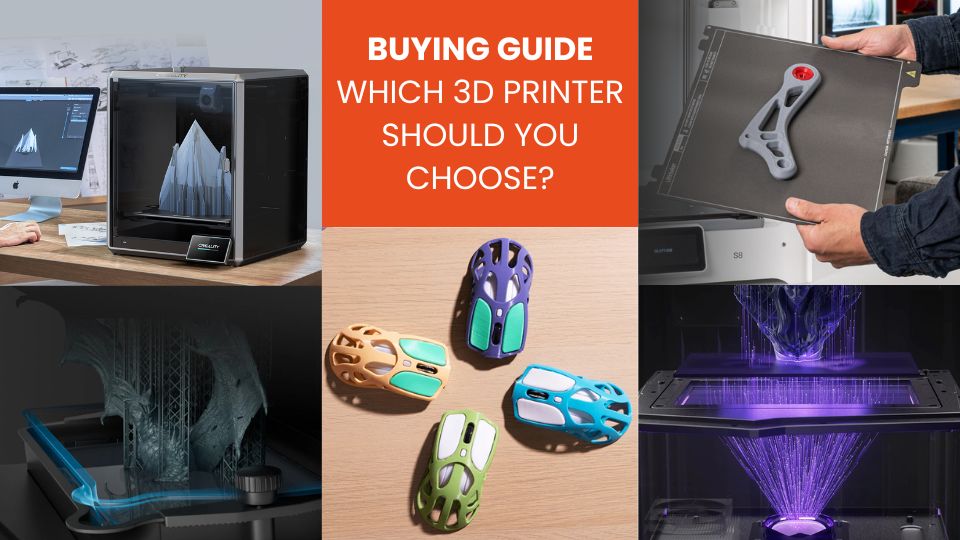
In this article, we will guide you so that you can choose your 3D printer based on the most important criteria you will need for your prints.
Choosing between FDM or Resin 3D Printers
3D printing has become more accessible in recent years, making technologies once reserved for industry available to everyone. Today, two main types of 3D printers dominate the consumer market: FDM printers (Fused Deposition Modeling) and resin 3D printers, using SLA, LCD, or DLP technologies.
If you are new to 3D printing or unsure between these two approaches, it is crucial to understand their differences to choose the right tool for your needs.
So let’s start this guide by discovering the main differences between these 3D printing technologies.
FDM Technology: versatile, accessible, and robust
FDM technology works by extruding melted filament layer by layer. It is ideal for printing functional objects, mechanical parts, prototypes, or everyday accessories.
FDM printers are generally easier to maintain, more affordable to buy and use, and most importantly compatible with a wide range of materials: PLA, PETG, TPU, ABS, as well as technical filaments (carbon fiber, glass fiber, wood…).
Thanks to often spacious print beds, they allow the creation of large parts or the printing of multiple objects at once. The community is very active, making learning and troubleshooting easier.
Resin Printing: ultra-detailed but demanding
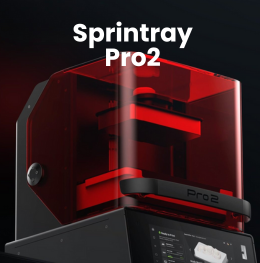
Resin printers use a screen (LCD or DLP) or a laser (SLA) to cure a photosensitive liquid resin layer by layer. The result is remarkably precise, with a finish quality far superior to FDM printers.
This technology is the choice for figurines, jewelry, artistic objects, dental parts, or small complex models.
However, using resin involves more constraints: printing is messier, requires protective equipment (gloves, mask), and demands rigorous post-processing (rinsing with isopropyl alcohol, UV curing).
Moreover, resin printers usually offer a smaller build volume and generate odors that can be unpleasant without proper ventilation.
FDM vs Resin Comparison
| Criterion | FDM Printing | Resin Printing |
|---|---|---|
| Principle | Deposition of melted filament | Photopolymerization of liquid resin |
| Print Quality | Good, depends on settings | Excellent, very high precision |
| Build Volume | Large format possible | Generally small format |
| Available Materials | Very varied (flexible, technical, aesthetic) | More limited but expanding |
| Post-processing | Simple (support removal, sanding) | Complete (washing, UV curing, safe handling) |
| Ease of Use | Very suitable for beginners | Requires more precautions |
| Maintenance | Easy, less messy | Delicate, contact with chemicals |
| Required Environment | Office or living room possible | Ventilated or dedicated room |
| Purchase and Consumables Cost | Machine and filament inexpensive | Resins more expensive, higher maintenance costs |
| Ideal Applications | Prototypes, mechanical parts, functional objects | Miniatures, aesthetic parts, figurines, jewelry |
There is no technology better than the other: it all depends on your needs. FDM printers are ideal for learning, practical objects, prototypes, or regular low-cost prints. Resin printers are perfect for projects requiring finesse, precision, and professional-quality results.
For versatile, scalable use with few constraints, FDM technology remains the easiest to adopt. For artistic or highly detailed prints, resin is unbeatable in rendering quality, provided you accept its constraints.
Many users actually choose to own both types of machines to cover all their needs. If you are a beginner, start with an FDM… and let yourself be tempted by resin once you feel comfortable!

Each need is unique: application, budget, materials… We help you find the machine that perfectly matches your expectations
Contact us at info@polyfab3d.com to receive personalized advice, tailored to your needs, constraints, and level of experience.
How to choose the right FDM 3D printer?
If you want to go for FDM technology, here are the key factors to consider when choosing your 3D printer.
1. Desired materials
The choice of materials is a key factor when purchasing an FDM printer. The most common filaments are PLA, PETG, ABS, TPU (flexible), and technical or composite filaments (carbon, wood, metal, etc.).
Each material has its own specificities and technical requirements:
- Heated bed: essential for some materials like ABS or PETG to avoid warping (deformation). The temperature range should be adapted, generally between 60 and 110°C.
- Extrusion temperature: some filaments require a nozzle that can reach 250°C or more, especially technical filaments.
- Enclosed chamber: strongly recommended for printing ABS, Nylon, or other materials sensitive to rapid cooling, as it stabilizes ambient temperature and improves print quality.
- Ventilation and filtration: some materials emit fumes or odors, so a filtration system or a ventilated location is necessary.
It is therefore important to anticipate your material needs to choose a compatible printer.
2. Required print volume
- For personal use, common prints, or decorative parts, a volume between 200×200×200 mm and 300×300×300 mm is often sufficient.
- For technical parts, functional prototypes, or large pieces, prioritize a larger bed, but note that this usually increases price, weight, and footprint.
- Print volume also affects print time: the bigger the part, the longer the print takes.
3. Need for multi-color or multi-material printing?
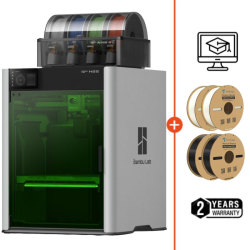
The multi-color 3D printer allows printing objects with multiple colors or materials in a single operation. This can be a real aesthetic or functional advantage.
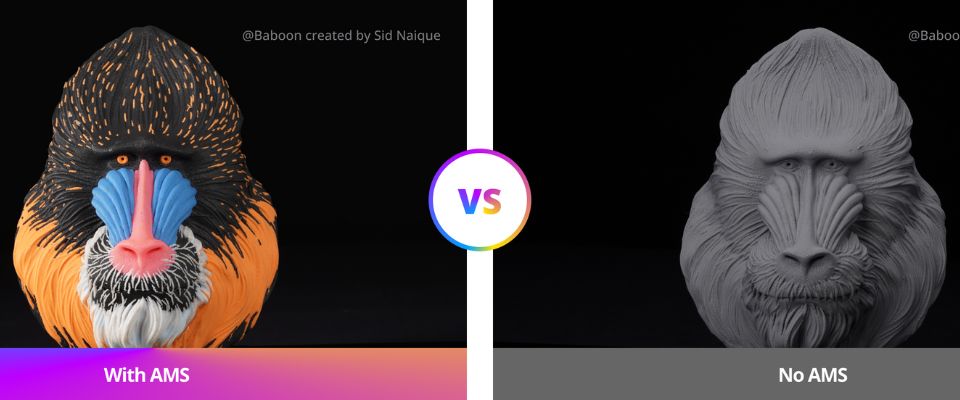
Two main solutions:
- Dual extrusion: two independent print heads to deposit different filaments. This also allows printing with soluble support materials.
- Automatic filament change system: a single extruder with a mechanism to change color during printing.
These technologies increase the machine’s capabilities but require additional investment. When starting 3D printing, testing with a single material can be interesting. But multi-color systems remain simple and easy to approach.
4. Available budget?
The budget you allocate is a determining factor; it is important to understand what you are buying at each price range:
- Under €500
These printers are generally simple, ideal for beginners, but often have limited volume, little automation, and sometimes less robust construction. Assembly and manual calibration may be required. - Between €500 and €1,500
Wide range with more reliable machines, advanced features like automatic leveling, Wi-Fi connectivity, touchscreen, and sometimes multi-material capabilities. These machines offer excellent value for money. - Over €1,500
Professional or semi-pro printers, large format, excellent precision, robustness, very good repeatability, and advanced options (dual extrusion, HD cameras, filtration systems…). Ideal for workshops, small series, or intensive use.
Don’t forget to include consumables, accessories, and maintenance in your budget, as they can represent recurring costs.
5. Precision and resolution
Print resolution corresponds to the minimum thickness of a deposited layer (usually between 50 and 300 microns).
However, final precision does not depend solely on this value:
- Settings: speed, temperature, ventilation, and calibration greatly impact quality.
- Mechanical quality: frame rigidity, quality of motors and guides are essential.
- Materials: some filaments provide better results.
- Post-processing: sanding, painting can visually improve a part.
Therefore, prioritize a well-built and reliable machine rather than focusing only on the displayed resolution.
6. Ease of use
User experience is crucial, especially for beginners or those who want to print regularly without hassle:
- Calibration: bed leveling can be manual (tedious but economical) or automatic via an auto-leveling system, very practical and reliable.
- Interface: touchscreen, intuitive menus, and the ability to manage prints without a computer greatly simplify use.
- Built-in camera: to monitor printing remotely, quickly detect errors, or create timelapses.
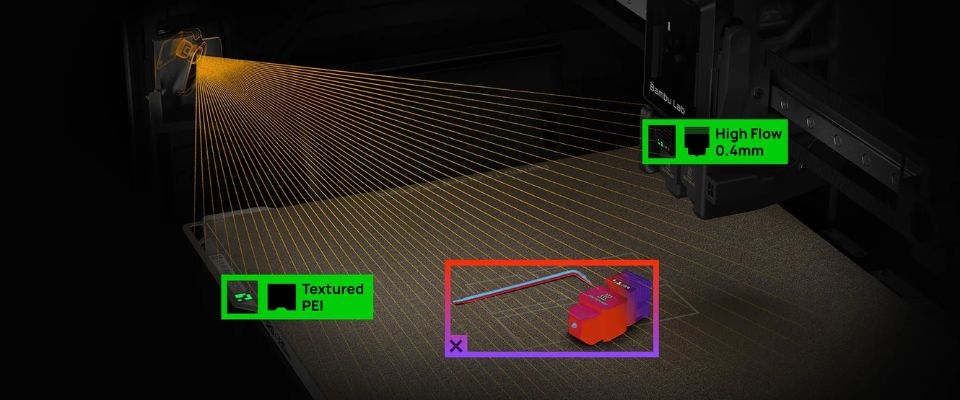
- Smart sensors: filament runout detection, belt tension sensors with automatic adjustment to ensure precision, clogged nozzle sensor.
- Advanced functions: resume after power outage, automatic purge on startup, cleaning assistance.
- Preconfigured profiles in popular slicers (Cura, Bambu Studio…) help avoid complex settings.
- Connectivity: USB, SD card, Wi-Fi, or control via smartphone or web browser.
These features improve reliability, reduce errors, and facilitate maintenance.
7. Safety and Reliability
Safety is an important aspect, especially for printers used in a home environment:
- Safety sensors: automatic shutdown in case of overheating, filament runout sensor to avoid printing in empty filament.
- Protection systems: enclosures or covers reduce dust, limit burn risks or accidental contact with hot parts.
- Quality components: certified power supplies, protected wiring, robust motors and parts ensure greater long-term reliability.
- Resume after power failure: essential for long prints, this feature prevents loss of material and time in case of power outages.
8. Availability of parts and community support
Finally, the availability of spare parts, efficient after-sales service, and an active community are often underestimated but essential factors:
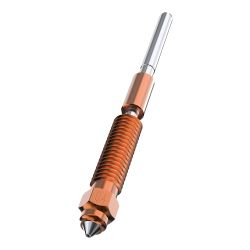
- Spare parts: nozzles, extruders, print beds, motors, belts are wear items. Choose a brand whose parts are easy to find and reasonably priced (Raise3D, Ultimaker…)
- Technical support and after-sales service: good customer service can make a difference in case of issues.
- User community: forums, Facebook groups, video tutorials, shared print profiles make learning and troubleshooting easier.
A well-documented printer supported by a strong community will be more pleasant to use over time.
Choosing an FDM 3D printer depends primarily on your specific needs: materials, volume, budget, usage, and experience level. For beginners, prioritize simplicity, reliability, and a strong community. For advanced use, opt for automatic features, better mechanical quality, and options like multi-color printing.
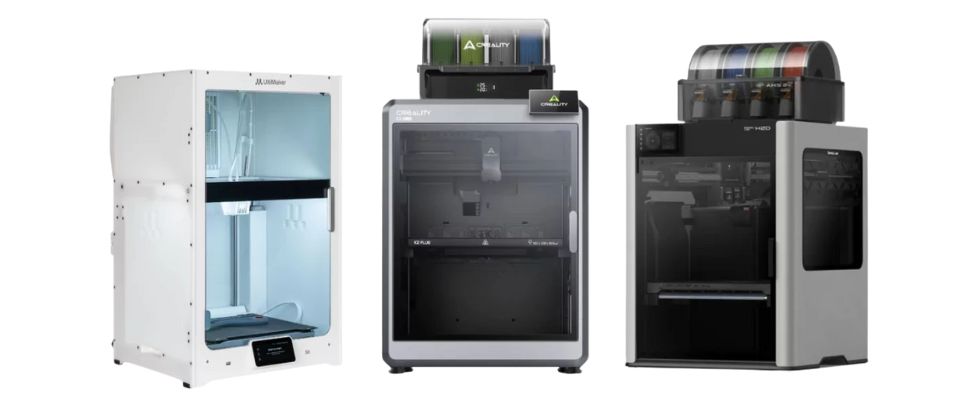
Feel free to compare models, read user reviews, and ask for advice.
A well-chosen printer will accompany you for a long time in your creative or professional projects.
How to choose your resin 3D printer?
Below are the main criteria to help guide your selection of a resin 3D printer.
1. Which technology to choose: LCD, SLA or DLP?
DLP technology is historically the first resin 3D printing method, using a projector that directly projects the layer image onto the resin. LCD or MSLA is the direct competitor, using a light projector and an LCD screen to mask non-visible areas. The LCD technology significantly lowered prices and enabled the rise of entry-level and mid-range resin printers.
SLA technology exists on a wide range of professional machines, having filled the gaps of DLP for years by offering very precise and proven laser technology. SLA technology is still widely used today.
LCD is also faster than SLA because the layer is flashed all at once, whereas in SLA the laser moves to flash each pixel individually.
2. Required build volume
Resin 3D printers now offer more varied volumes than before, while still being generally more compact than FDM printers.
- Standard sizes hover around 130 × 80 × 160 mm, ideal for figurines, dental parts, or small technical objects.
- Large format models can now reach 250 × 220 × 300 mm (or more), thanks to reinforced frames and stabilized Z axes.
Be careful: the larger the volume, the more critical the first layer adhesion becomes. Poor adhesion can cause print failures or detachment. The bed movements must be very smooth to avoid mechanical stresses on the polymerized resin.
Also, large screens (8K / 12K / 16K) are more expensive to replace. Choose a volume that truly fits your needs to limit risks, resin waste, and maintenance costs.
3. Speed and resolution of the machine
With the arrival of 12K or even 16K monochrome screens, resin printers have become faster and more precise.
- The LCD / MSLA technologies are the most widespread and allow curing an entire layer in a single exposure.
- Some recent models include collimated light sources (LightTurbo, COB + lenses), further reducing the exposure time to 1 or 2 seconds per layer.
- DLP technology remains more precise for small formats, while SLA (laser) is nowadays mostly reserved for industry or biocompatibility applications.
Regarding resolution, the higher the pixel count on the screen (12K, 16K), the finer the details, especially on the X and Y axes. This is crucial for uses such as figurines, jewelry, or dental parts.
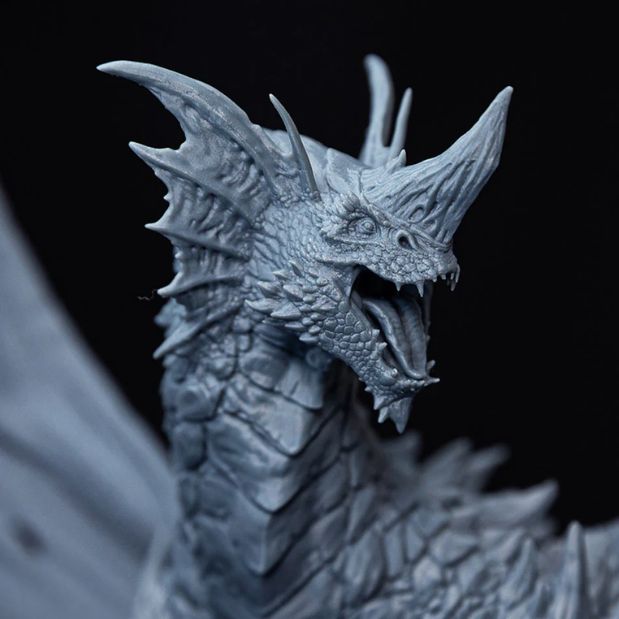
However, it is less important if you print simple or large objects.
High resolution can increase the price of the screen, thus the replacement cost in case of wear.
4. What about resin compatibility?
The resins available for your 3D printer are generally quite similar regarding the overall range of materials. Standard resin, ABS-like or Tough, Translucent, Flexible, etc. They are available on all models for all software.
Different materials will offer different strengths and properties depending on your needs and the models you want to print.
Layer heights and detail levels of the print may vary depending on the material and resin used. Each resin brand will have its own printing recommendations.
5. Ease of use
The ease of use of a resin 3D printer mainly depends on bed calibration, smart assists, and resin management.
On entry-level models, bed leveling is still manual, using a simple sheet or adjustment screw. This process must be repeated regularly to ensure good adhesion.
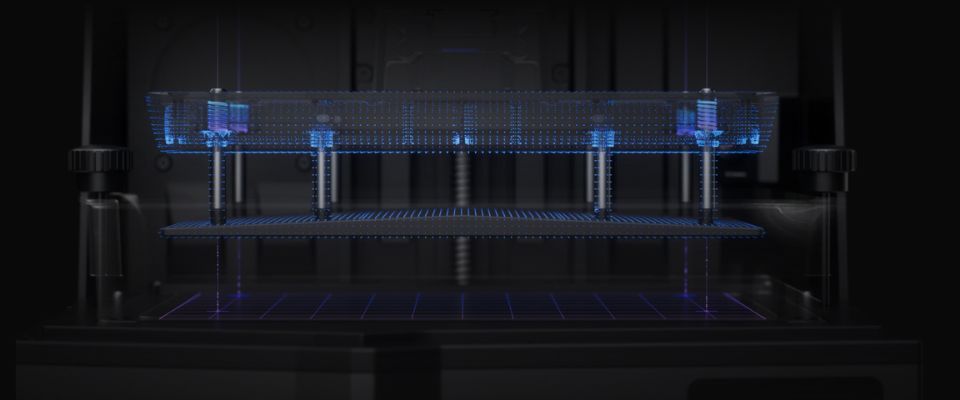
More advanced machines now include semi-automatic or assisted leveling, which reduces errors and secures the first layers.
Professional printers often offer automated assists:
- Automatic resin refilling
- Resin type detection via NFC chip or QR code
- Automatic exposure parameter adjustment based on the resin used
- Real-time monitoring (resin level, temperature, print errors)
Interfaces now often feature high-definition touchscreens, remote controls via Wi-Fi or mobile apps, and sometimes even an integrated camera to monitor prints live.
6. Safety and fumes management
Resin printing requires some precautions:
- Harmful vapors: liquid resin emits odors and VOCs (volatile organic compounds); a well-ventilated space is recommended.
- Filtration: some machines include an activated carbon filter or air extraction system.
- UV protective cover: protects against light and prevents accidental polymerization.
- Handling: always use gloves, goggles, and a mask when handling resin or cleaning.
In summary: a resin 3D printer, even for consumers, requires more precautions than an FDM printer. It’s better to choose a model designed for safety if you print regularly or work in a non-dedicated space.
7. Spare parts availability and support
As with FDM printers, the durability of a resin printer largely depends on the ease of finding spare parts, specific consumables, and a good user support network.
Key points to consider:
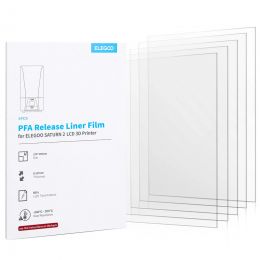
- FEP/PFA/ACF films and LCD screens: wear parts to be replaced regularly.
- Trays and vats: should be easily purchasable as spare parts.
- Brand support: favor well-established brands (Elegoo, Anycubic, Creality…).
- Active community: forums and support groups offer advice, slicing profiles, and technical assistance.
In conclusion: prefer a printer well established on the market, with active brand support and a large user base. This will greatly facilitate maintenance, optimization, and progress in your projects.
8. Machine and consumables cost
Three main price ranges:
- Under €300: compact printers, perfect for beginners.
- Between €300 and €1,000: better resolutions, larger volume, monochrome screen, advanced features.
- Over €1,000: professional or semi-pro machines, very high resolutions, high productivity, increased durability.
Additional costs to consider:
- Resins (between €30 and €150 per liter depending on specialty)
- Accessories (gloves, filters, cleaning vats, build plates, FEP films)
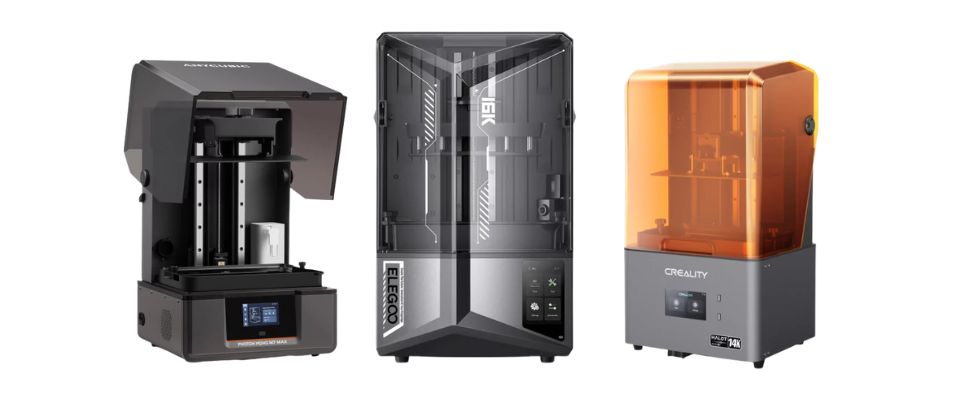
Don’t hesitate to compare models, read user reviews, and ask for advice.
A well-chosen printer will accompany you for a long time in your creative or professional projects.
Conclusion: choosing your 3D printer means choosing based on your real needs
The choice between an FDM 3D printer and a resin printer depends primarily on how you intend to use it:
- Do you prioritize versatility, low cost, and ease of maintenance? An FDM printer is often the best fit.
- Are you looking for extreme precision, smooth finishes, and fine details? A resin printer will be unbeatable in this area.
In both cases, it is not just about comparing technical specifications, but about clearly identifying your priorities: types of parts to produce, size, materials, total budget (purchase + consumables), experience level, working environment, etc.
Thanks to the criteria developed in this article – whether volume, speed, material compatibility, or safety and ease of use – you now have a solid foundation to choose a machine suited to your projects.
Take your time to compare, define your real needs, and don’t hesitate to favor reliability and simplicity over paper specifications. A well-chosen printer will allow you to grow confidently in the world of additive manufacturing, whether for hobby, prototyping, or production.
✅ Why Choose Polyfab3D?
Premium Support and After-Sales Service: Starting from your needs, we will guide you to the most suitable solution and provide long-term support for its implementation and daily use.
Official Reseller: Polyfab3D is a certified reseller of top brands, ensuring you get official products, exclusive access to the latest innovations, and priority technical support.
Fast Delivery and Customer Satisfaction: Polyfab3D is committed to providing you with an optimal and fast experience. Positive feedback from our customers rewards us and proves the reliability and efficiency of our service.
Contact us now for a personalized recommendation tailored to your needs, budget, and ambitions.